
The EPiC Executive Assistant, for Outlook
Same rulebook as our Claude EA, working inside Microsoft 365 Copilot in Outlook and Teams. Coming soon.
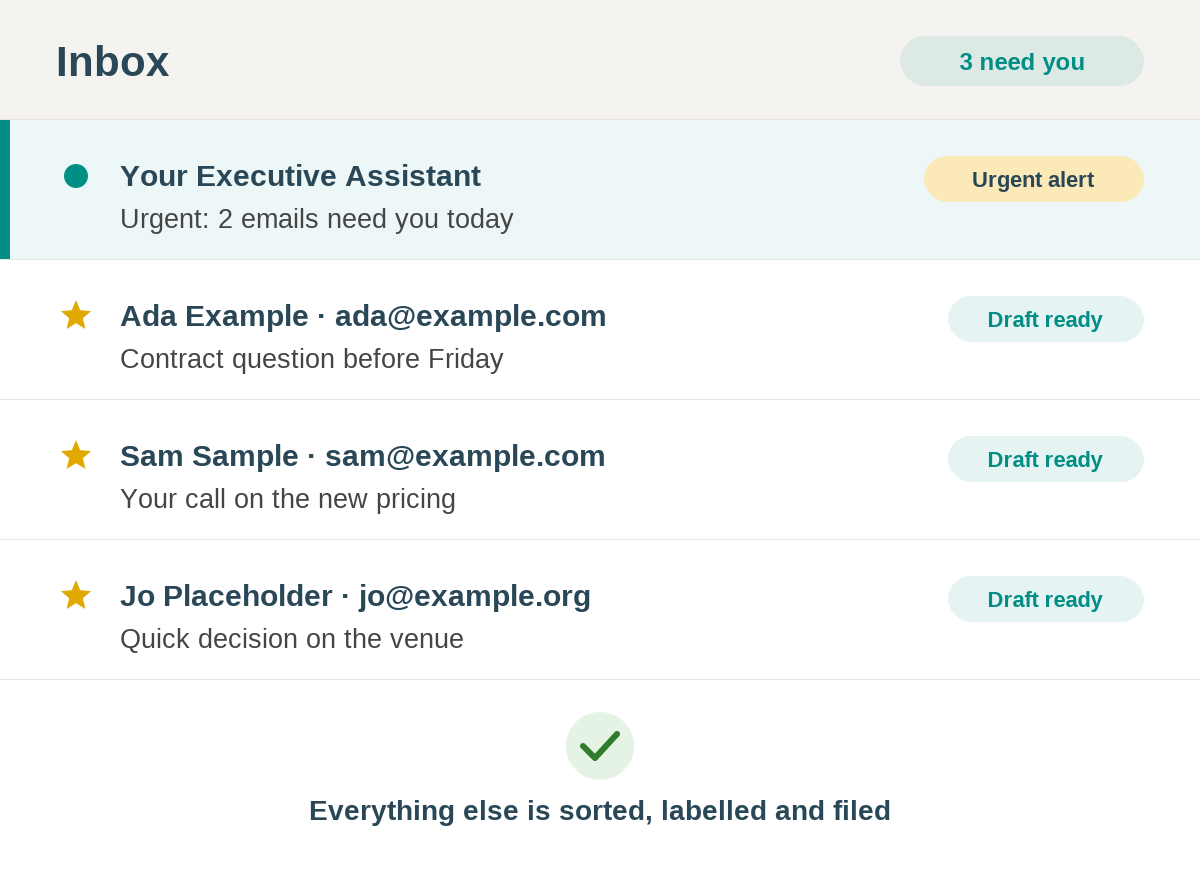
What it does
Executive Assistant for Microsoft 365 Copilot works inside Copilot, in Outlook and Teams. It's for people whose day runs on Outlook, not Gmail.
It follows the same rulebook as our Executive Assistant for Claude and Gmail. It's a separate product, built for Microsoft 365.
Every email in one bucket
It reads your Outlook mail and calendar and puts each email in one bucket:
- Urgent
- Needs you
- Meetings
- Things the EA can answer
- Hand over
- No action
Replies are drafted to read like you wrote them. Meeting requests come with real free times from your own calendar.
Where it's up to
Today's preview is read-only. Choose "Dry run my EA" and it shows what it would do with your recent email. It changes nothing.
Outlook actions are built and in testing: categories, flags, archive and reply drafts. So is calendar booking with Teams links.
Scheduled runs, and memory kept in your own OneDrive, are being built now.
Built for people who run their day from Outlook
Busy owners, executives and consultants whose email and calendar live in Microsoft 365, and who already use Microsoft 365 Copilot at work.
If you start each day sorting email and finding meeting times, it takes that work off you and leaves you the emails that need your judgement.
What you need
- A work or school Microsoft 365 account on a business plan: Business Basic, Business Standard or Business Premium, or an enterprise plan such as E3 or E5.
- A Microsoft 365 Copilot licence assigned to you. Free Copilot Chat can't read your email.
- An Exchange Online mailbox.
- An admin who allows custom app upload in Teams. If you set up your business plan yourself, that's you.
- Microsoft 365 Personal, Family and Premium are home plans. None of them will work. Look for the word Business.
Same rules as our Claude EA
Sorts every email
Each email goes into one bucket: urgent, needs you, meetings, things the EA can answer, hand over, or no action.
Drafts replies that sound like you
Replies are drafted to read like you wrote them, ready for you to check.
Offers real free times
Meeting requests get times you're actually free, taken from your own calendar.
What it does instead of
Instead of sorting your Outlook inbox by hand
How install works
Early testers set it up with a step-by-step guide. It takes about an hour if you already have Microsoft 365 with Copilot.
- Your admin allows custom app upload in the Teams admin centre.
- Upload the zip in Teams: Apps → Manage your apps → Upload an app → Upload a custom app. Or your admin uploads it for everyone in the Teams admin centre.
- Open Microsoft 365 Copilot, choose EPiC EA and select "Dry run my EA".
Why it's safe to try
Dry run first, every time
It always shows you what it would do first. It changes nothing without your yes.
Never sends email
Replies are drafts. You check them and send them yourself.
Claims an email before it acts
It claims each email before it acts on it, and acts only after a dry run and your yes.
What it does not do
- Send email. Replies are drafts you send yourself.
- Change anything in the current preview. It's read-only.
- Work on a personal Microsoft account (Outlook.com, Hotmail or Live) or on Microsoft 365 Personal, Family or Premium.
Questions
Is this the same product as the Claude Executive Assistant?
No. It follows the same rulebook, but it's a separate product that runs inside Microsoft 365 Copilot. The Claude version runs on Claude and Gmail.
Will it work with Microsoft 365 Premium?
No. Microsoft 365 Personal, Family and Premium are home plans, and none of them works. You need a business plan (Business Basic, Standard or Premium, or E3 or E5) plus a Microsoft 365 Copilot licence.
I use Gmail. Which one do I need?
Our Executive Assistant for Claude and Gmail, which is available now: https://epicagile.com/useful-things/executive-assistant
How much will it cost?
The price isn't set yet. Register your interest and we'll let you know when it's ready.
Want it for your Outlook?
It's coming soon. Register your interest and we'll let you know when it's ready.